Děčín
 Děčín, Česko
Real-Time Environment
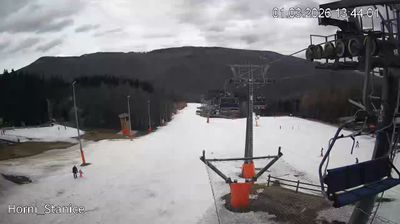
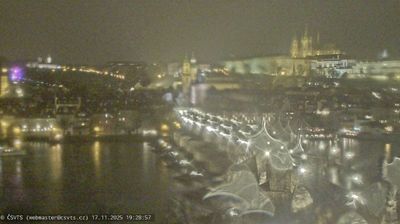
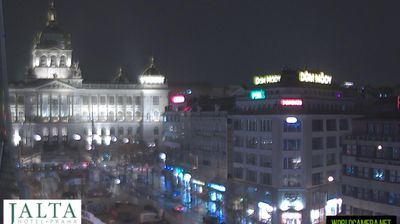
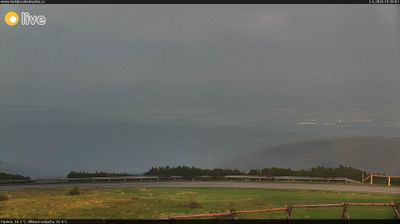
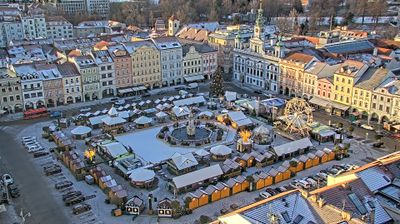
Welcome to the live streaming webcam for Děčín, perfectly situated in the vibrant region of Děčín, Česko. Watching this live camera allows you to instantly experience the local atmosphere and monitor current climate conditions.

About Děčín
Děčín je statutární město v okrese Děčín v Ústeckém kraji na soutoku řek Labe a Ploučnice. Zaujímá rozlohu 117,7 km² a žije zde přibližně 46 tisíc obyvatel. Je významným říčním přístavem, důležitou železniční křižovatkou a leží na křižovatce několika významných silničních tahů. Rozkládá se na rozhraní Labských pískovců a Českého středohoří. Řeka Labe, která Děčín rozděluje na dvě poloviny, dodává statutárnímu městu i okolí jedinečný ráz a silně ovlivňuje život jeho obyvatel. Díky své poloze se Děčín řadí mezi nejzelenější města v Česku. Na jeho okraji začíná Labský kaňon, nejmohutnější pískovcový kaňon Evropy.
📖 Read more on Wikipedia📍 Location Facts
-
Country
 Česko
Česko
- Region Ústecký kraj
- City Děčín
- Coordinates 50.7814°N, 14.2135°E
Have you been to Děčín?
Help the community! Share your experience, tell us about the weather, or upload your own photos from this exact location.