Sydney › Západ
 Sydney, Austrálie
Real-Time Environment
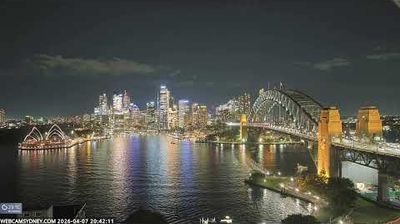
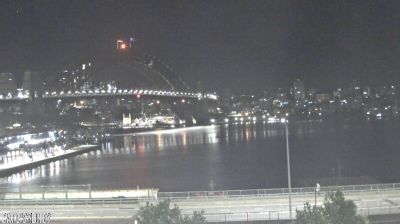
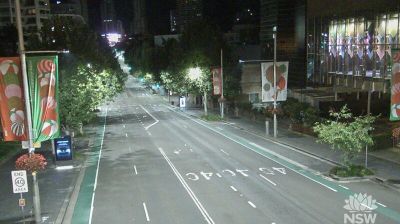
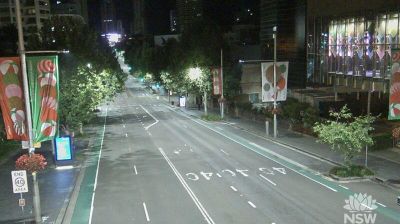
Welcome to the live streaming webcam for Sydney › Západ, perfectly situated in the vibrant region of Sydney, Austrálie. Watching this live camera allows you to instantly experience the local atmosphere and monitor current climate conditions.

About Sydney
Sydney je nejrozlehlejší a nejlidnatější město v Austrálii, jde o hlavní město Nového Jižního Walesu. Sydney se nachází na severovýchodním pobřeží Tasmanova moře. Se svou populací přesahující 4,5 milionů obyvatel je nejlidnatější obcí v Oceánii. Sčítání lidu v roce 2021 zaznamenalo populaci v "Greater Sydney" 5 231 150, což znamená, že město je domovem přibližně 66 % populace státu. Obyvatelé Sydney nemají v češtině jednoslovné pojmenování. V angličtině se ujalo slovo "Sydneysider" – toto slovo vzniklo z kosmopolitní a mezinárodní populace tohoto města.
📖 Read more on Wikipedia📍 Location Facts
-
Country
 Austrálie
- Region Nový Jižní Wales
- City Sydney
- Coordinates -33.8886°N, 151.2455°E
Have you been to Sydney?
Help the community! Share your experience, tell us about the weather, or upload your own photos from this exact location.