Adelaide › Západ
 Adelaide, Austrálie
Real-Time Environment
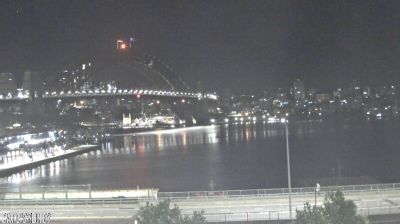
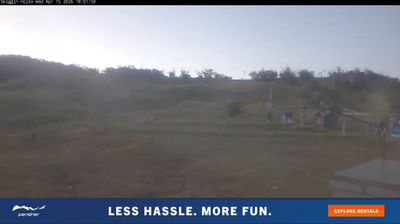
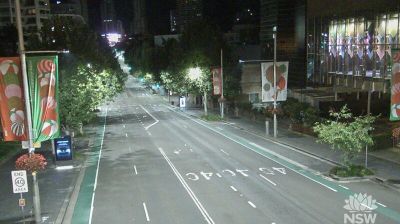
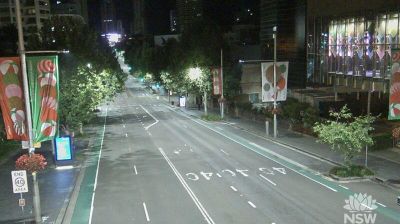
Welcome to the live streaming webcam for Adelaide › Západ, perfectly situated in the vibrant region of Adelaide, Austrálie. Watching this live camera allows you to instantly experience the local atmosphere and monitor current climate conditions.

About Adelaide
Adelaide je hlavní a nejlidnatější město australského státu Jižní Austrálie a páté největší město v Austrálii. Metropolitní oblast nazvaná Greater Adelaide má rozlohu 3259,8 km² a asi 1,3 milionu obyvatel. Jde o pobřežní město a nachází se na Adelaide Plains, severně od poloostrova Fleurieu, mezi zálivem Sv. Vincenta a nízkým pohořím Mount Lofty Ranges. Metropolitní oblast Greater Adelaide, která obsahuje i okolní obce se rozděluje na oblasti Adelaide South, Adelaide Central and Hills, Adelaide North a Adelaide West. Samotné centrum města nazvané Adelaide City má rozlohu 15,57 km².
📖 Read more on Wikipedia📍 Location Facts
-
Country
 Austrálie
- Region Jižní Austrálie
- City Adelaide
- Coordinates -35.0356°N, 138.5169°E
Have you been to Adelaide?
Help the community! Share your experience, tell us about the weather, or upload your own photos from this exact location.