Korfu › Severovýchod
 Korfu, Řecko
Real-Time Environment
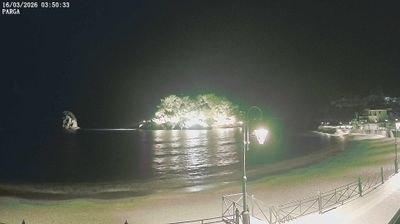
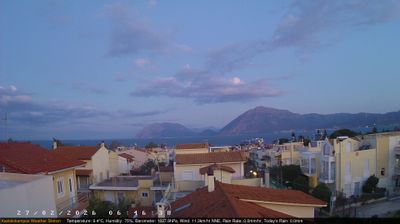
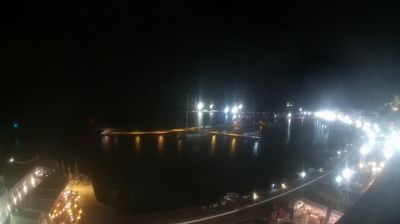
Welcome to the live streaming webcam for Korfu › Severovýchod, perfectly situated in the vibrant region of Korfu, Řecko. Watching this live camera allows you to instantly experience the local atmosphere and monitor current climate conditions.
About Korfu
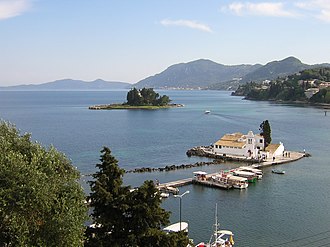
Korfu, resp. Kerkyra je druhý největší ostrov v Jónském moři, součást Řecka. Má rozlohu 592 km² a zhruba 100 tisíc obyvatel. Je sedmým největším a pátým nejlidnatějším řeckým ostrovem. Jeho střediskem je stejnojmenné město, kde žije asi třetina obyvatel ostrova. Od pevniny Balkánu ho odděluje Korfský průliv. Na pouhé 2 km se Korfu přibližuje k pobřeží jižní Albánie, řecká pevnina je vzdálena necelých 10 km. Korfu má výsadní postavení v moderních řeckých dějinách jako ohnisko národní kultury a obrody v době před obnovením řecké státnosti.
📖 Read more on Wikipedia📍 Location Facts
-
Country
 Řecko
Řecko
- Region Peloponnese, Western Greece and the Ionian
- City Korfu
- Coordinates 39.6836°N, 19.8408°E
Have you been to Korfu?
Help the community! Share your experience, tell us about the weather, or upload your own photos from this exact location.